Built for AI agents
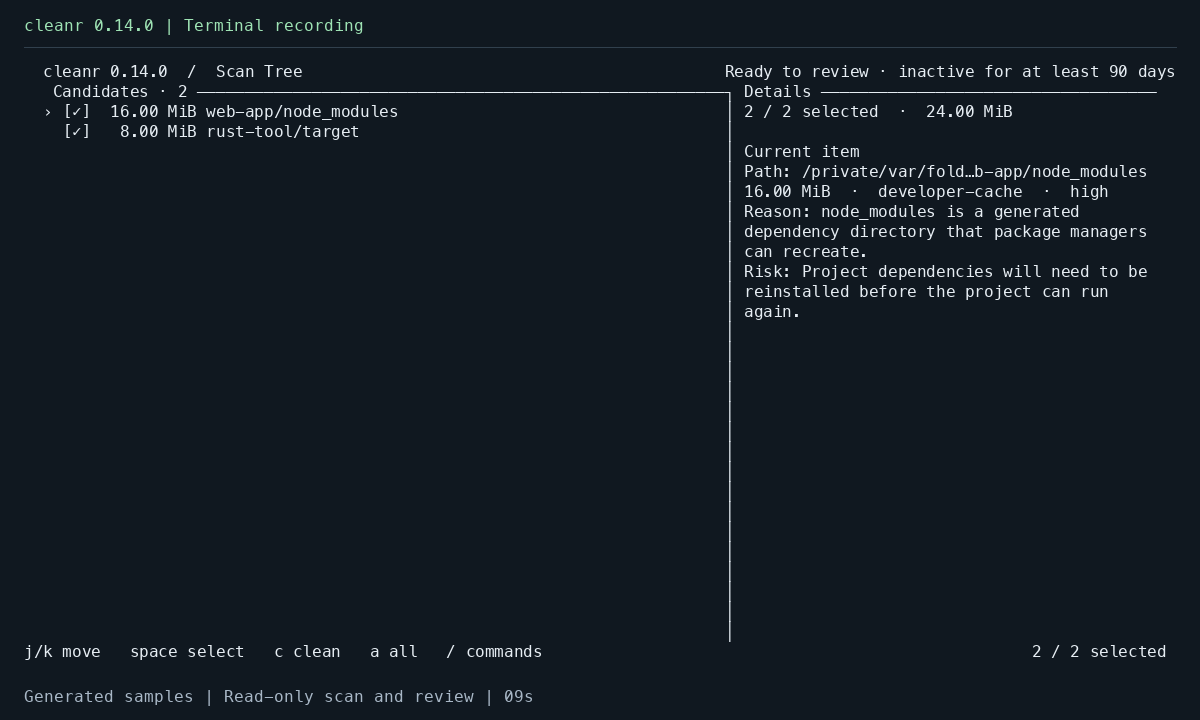
Structured, read-only scan results give your agent sizes, matching reasons, confidence, and risk notes to work with.
Review before cleanup
Review reasons and risks, then choose what goes. Confirmation is on by default; agent cleanup requires your authorization for the exact plan.
Checks before every move
Cleanr rechecks selected paths and file state, rejecting protected paths and symbolic-link targets. Items go to system Trash with local records for best-effort restore.
See the first scan
Scan a single project, inspect the candidates, then leave without changing files.
Safety and recovery
Confirmed items move to system trash. Space is not necessarily freed until you empty it yourself; after that, Cleanr cannot restore those items. Recovery limits
Cleanr does not upload your analysis. If you use a hosted AI agent, the agent may send tool output to its provider. Decide what it may read before sharing a report. Agent data boundary